Describe it
Tell your assistant what you want in plain language, the way you’d brief a teammate.
Add an AddPoints event to the score component. Raise the score and notify the HUD.
Request
 PinWright
PinWright lets your AI coding assistant do the editor work for you. Say what you want. It builds it in your project, plays it to test it, and you keep what works.
AI install prompt
Install PinWright into this Unreal project and connect yourself to it by following https://github.com/PinWright/pinwright-ue/blob/master/AGENT_INSTALL.md
There is no new tool to learn. You ask in the AI assistant you already use.
Tell your assistant what you want in plain language, the way you’d brief a teammate.
Add an AddPoints event to the score component. Raise the score and notify the HUD.
Your assistant works directly in Unreal. It looks at what is already in your project, then creates Blueprints, builds UI and fills in data assets.
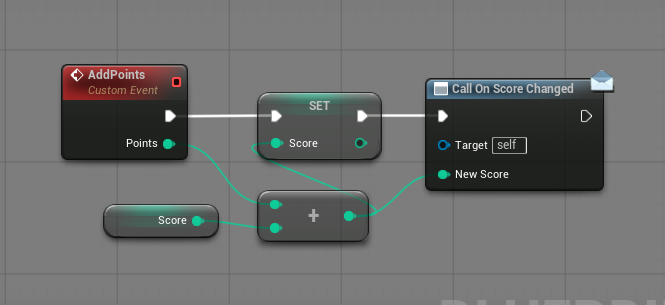
It starts Play-In-Editor, plays what it built with real input, and checks the result on screen. You review the result and keep what works.
SpaceBarScore: 10It reads your project first, then builds the assets you would otherwise make by hand.
 Play video
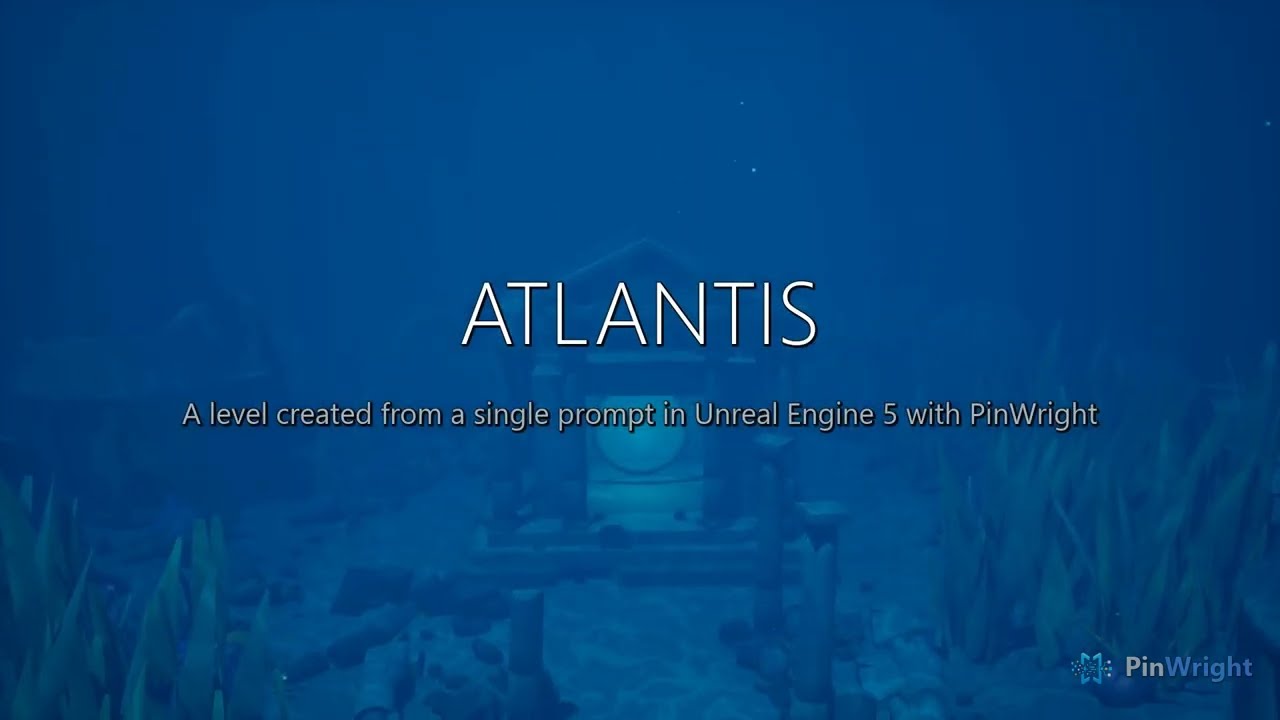
Landscape, foliage, sky and placed props, built by an AI assistant with PinWright from a single prompt. The video shows the unedited result.
It runs on your machine with the assistant and model you already use. What it builds is ordinary Unreal assets you review and keep.
The plugin runs inside your editor and sends nothing to PinWright. Your assistant sends what it reads to the model you chose, hosted or local, the same as it does for your code.
Everything it makes is a normal asset in your project. Open it in the editor, review it in version control, and keep or roll back each change.
It reads your actual assets before it changes anything, so it works from what is really there. You can read the same snapshots it does.
Give the install prompt to any assistant that can run commands; it connects itself.
Give your assistant the AI install prompt and it installs and connects PinWright for you. The source and Windows builds are free under the MIT License. Linux works through a source build. There is no macOS version.
Rather build it yourself? Clone PinWright/pinwright-ue into your project’s Plugins folder and build it. See Install & connect. Report bugs and request features on GitHub Issues.
AI install prompt
Install PinWright into this Unreal project and connect yourself to it by following https://github.com/PinWright/pinwright-ue/blob/master/AGENT_INSTALL.md
“Add a score counter to the HUD, bound to the current score.”
typed into Claude Code, Cursor, Codex CLI or the assistant you use
WBP_HUD → ScoreTextWBP_HUDScoreTextNewText ← ScoreScoreText.TextScorePlay-In-EditorPlay-In-EditorSpaceBarSpaceBarScore: 10 → trueScore: 10truePassedback to you